Autocomplete and go to definition
dbt-power user extension auto-completes model, macro, column names in the VSCode
Models
a) Autocomplete model
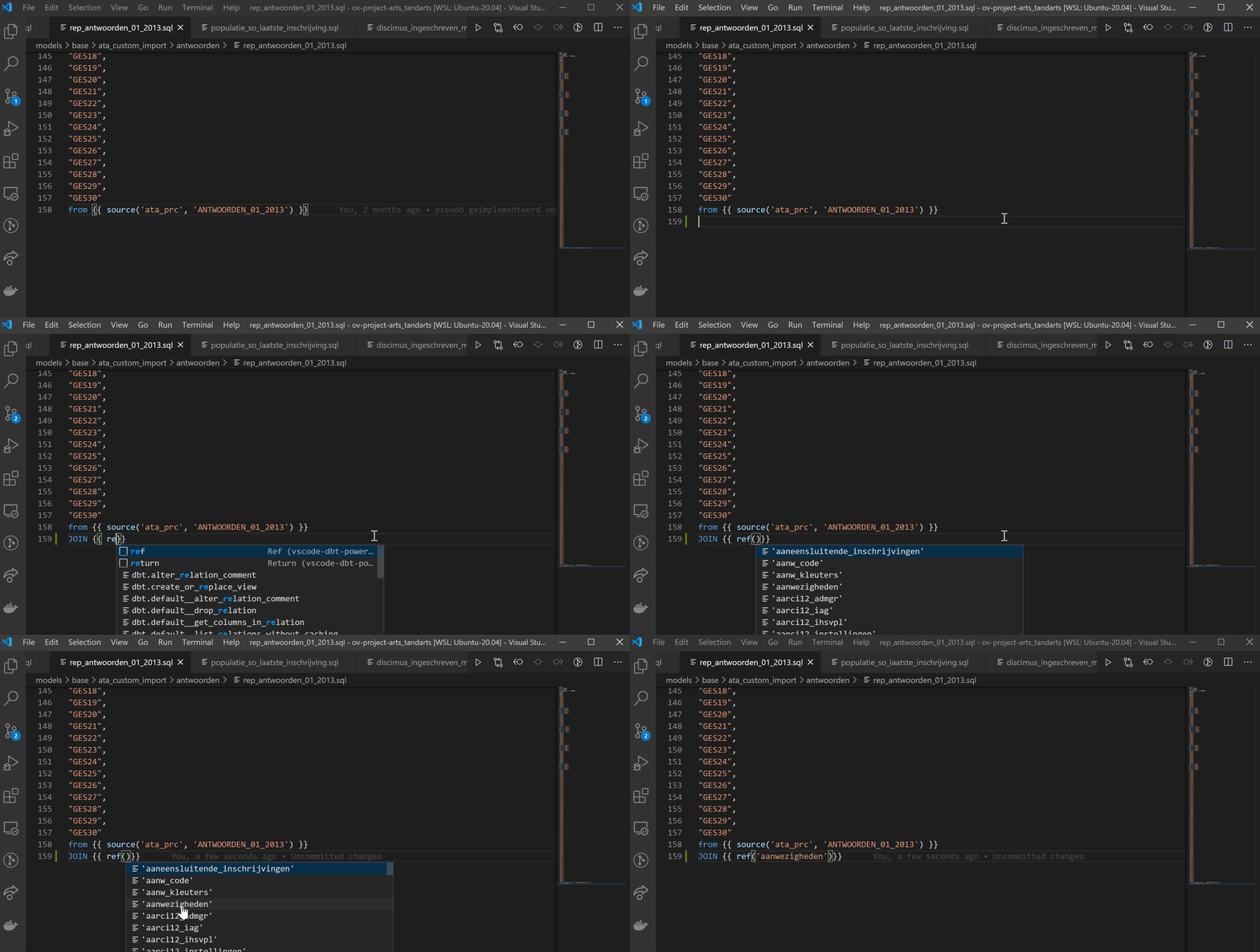
b) Go to model definition
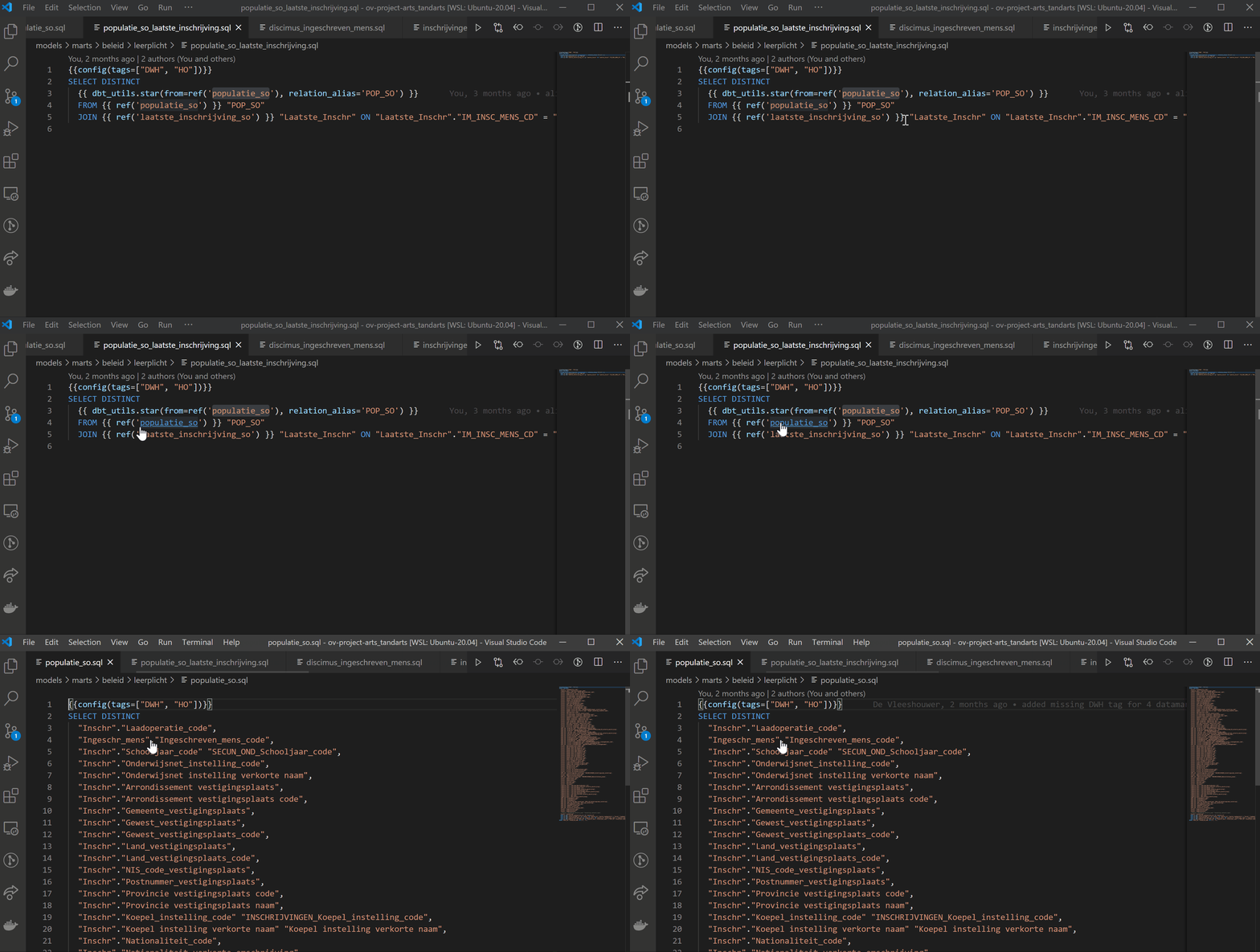
Macros
a) Autocomplete macro
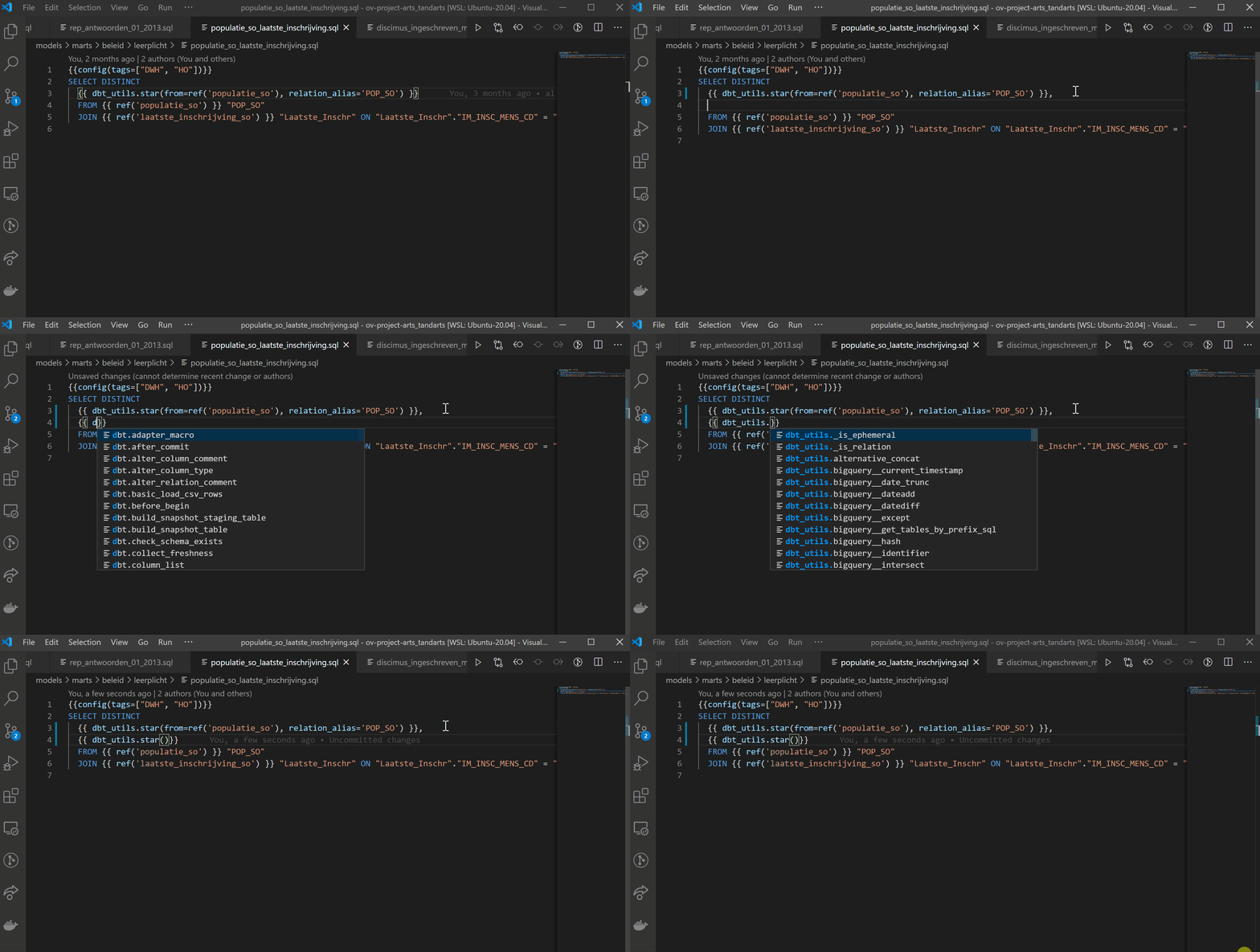
b) Go to macro definition
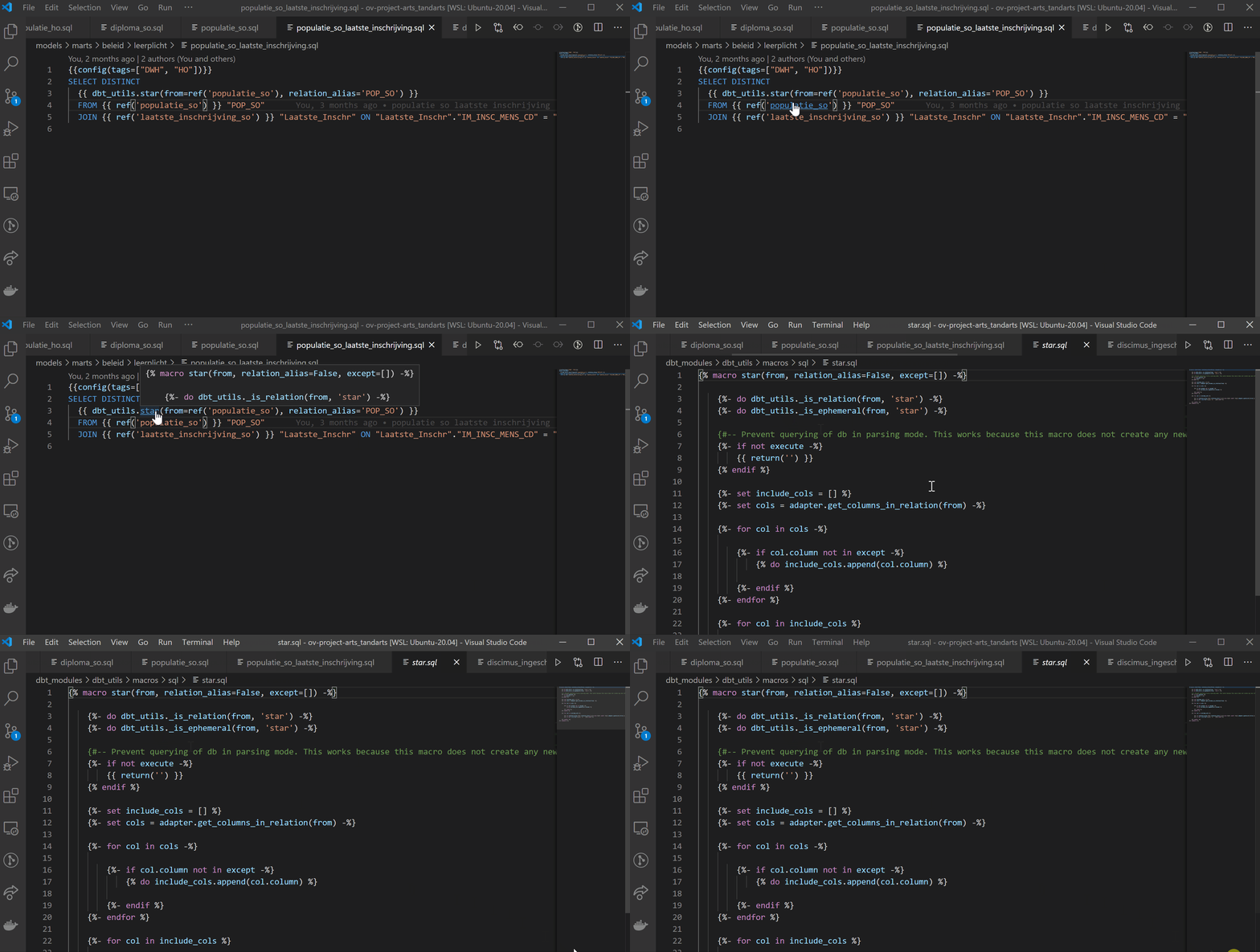
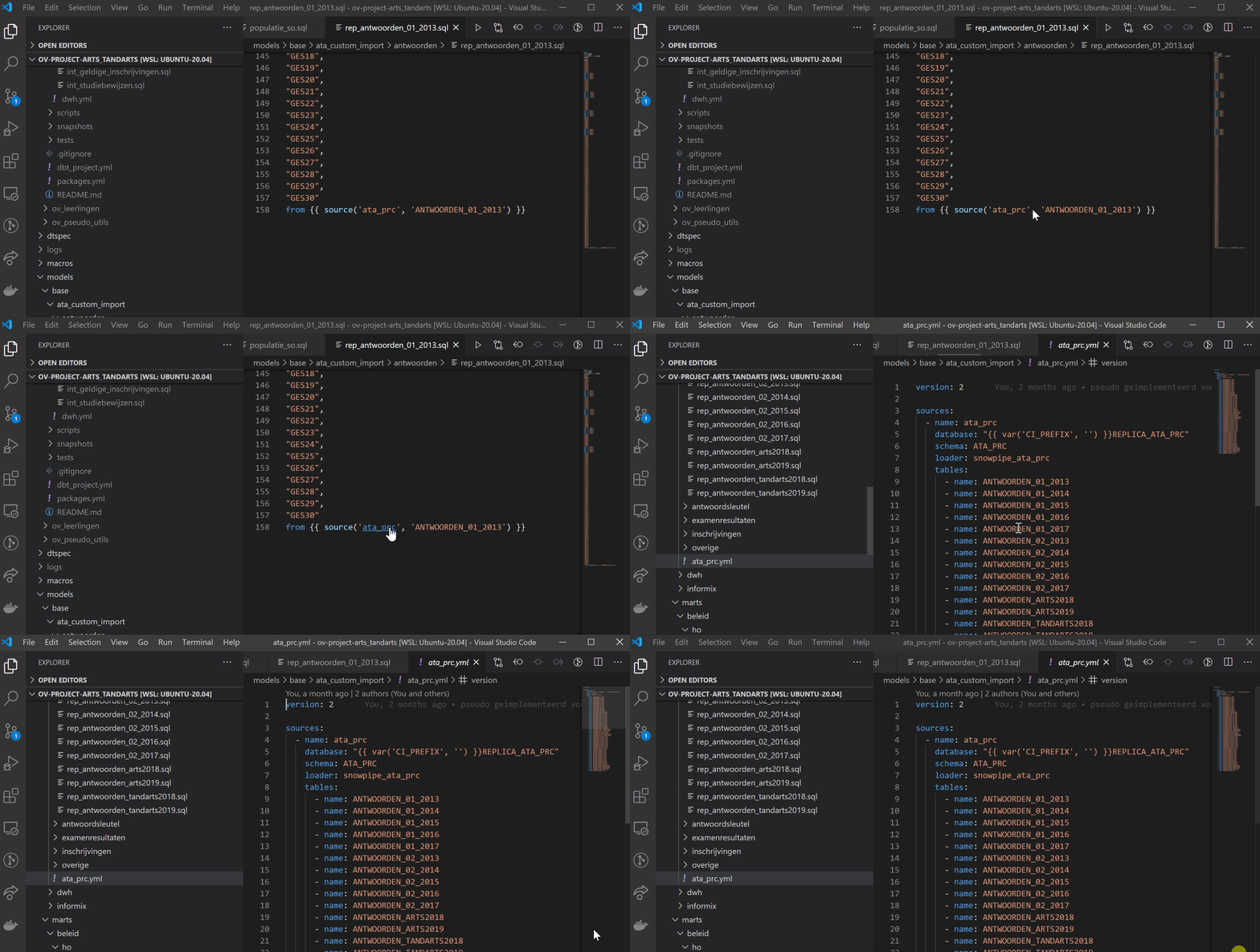
Sources
a) Autocomplete source
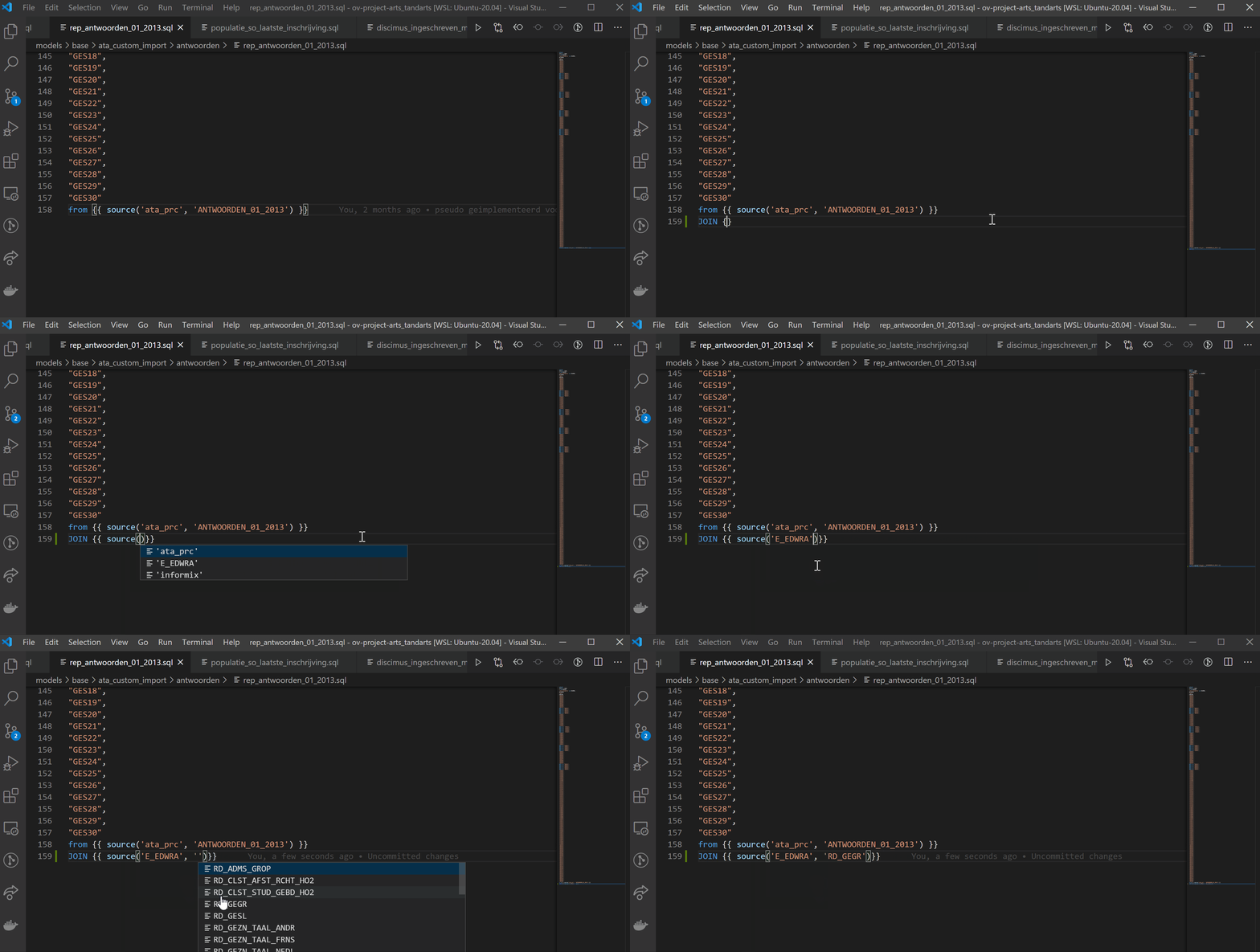
b) Go to source definition
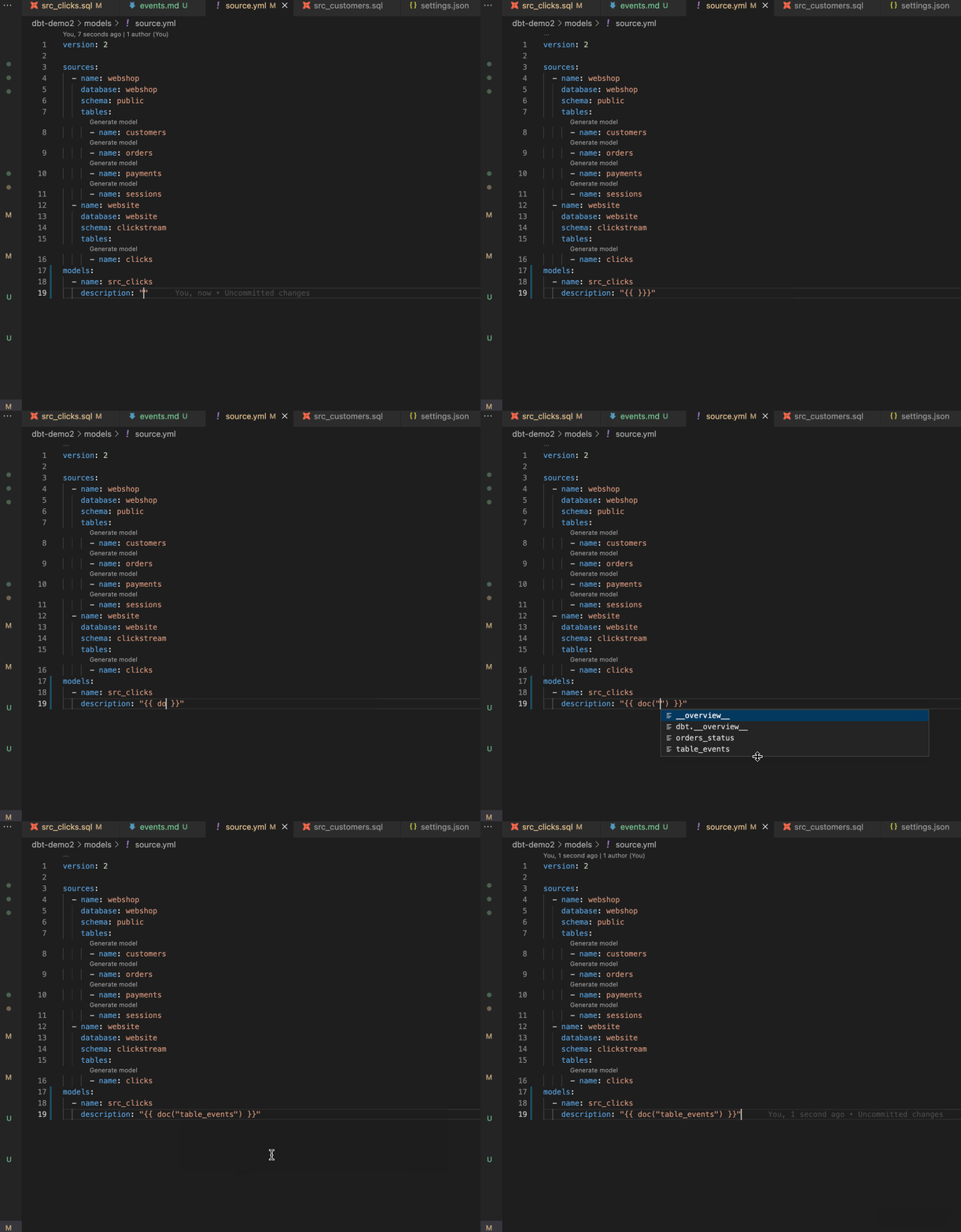
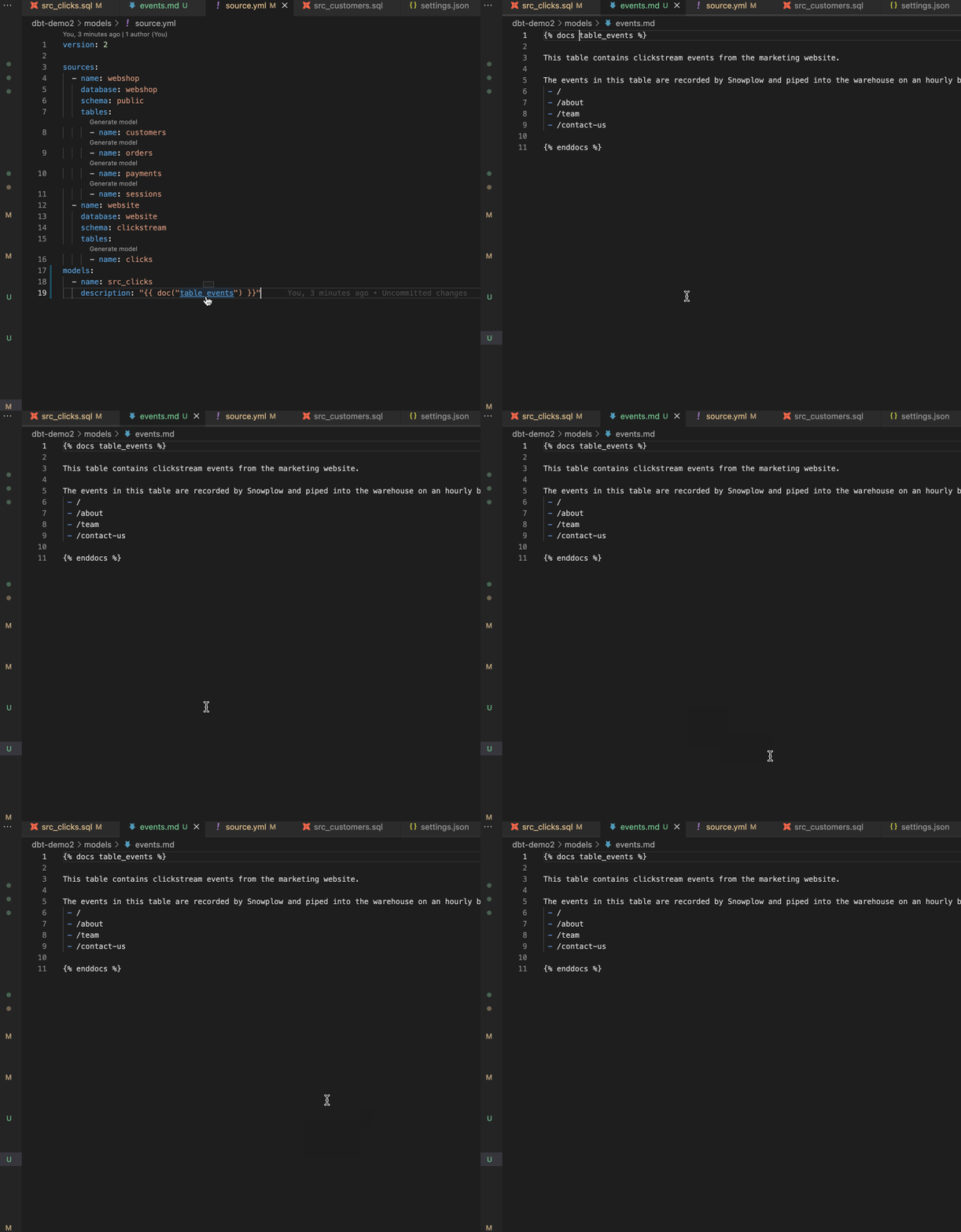
Doc blocks
a) Autocomplete doc block
b) Go to doc block definition
Hover actions
Hover tooltips expose Altimate Code action links so you can ask AI questions about whatever symbol you're inspecting without leaving the file. Clicking an action opens the Altimate Code chat beside the editor with a pre-filled prompt.
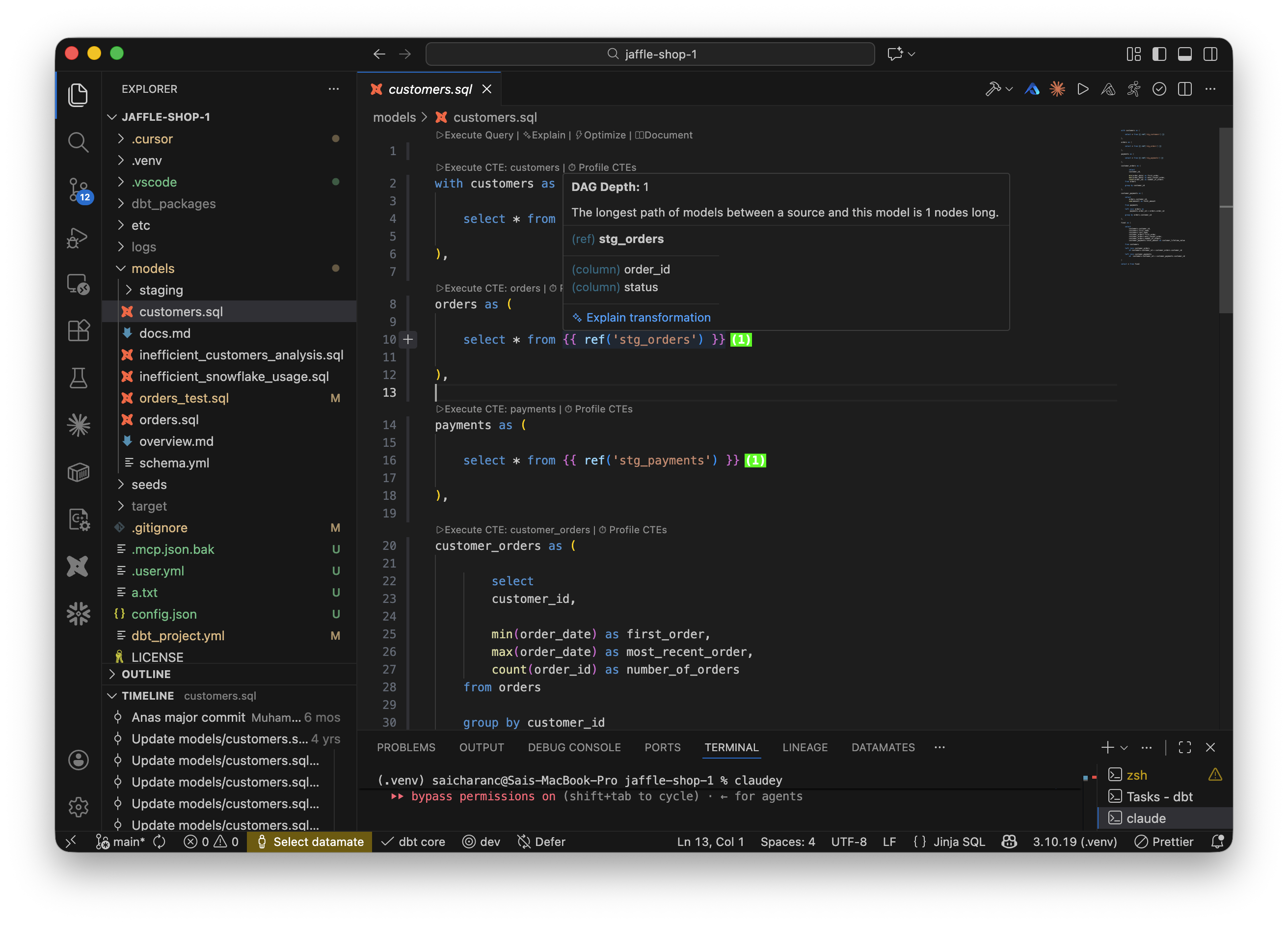
Model hover — ref('model_name')
- ✨ Explain transformation — walks through selects, filters, joins, and aggregations step by step.
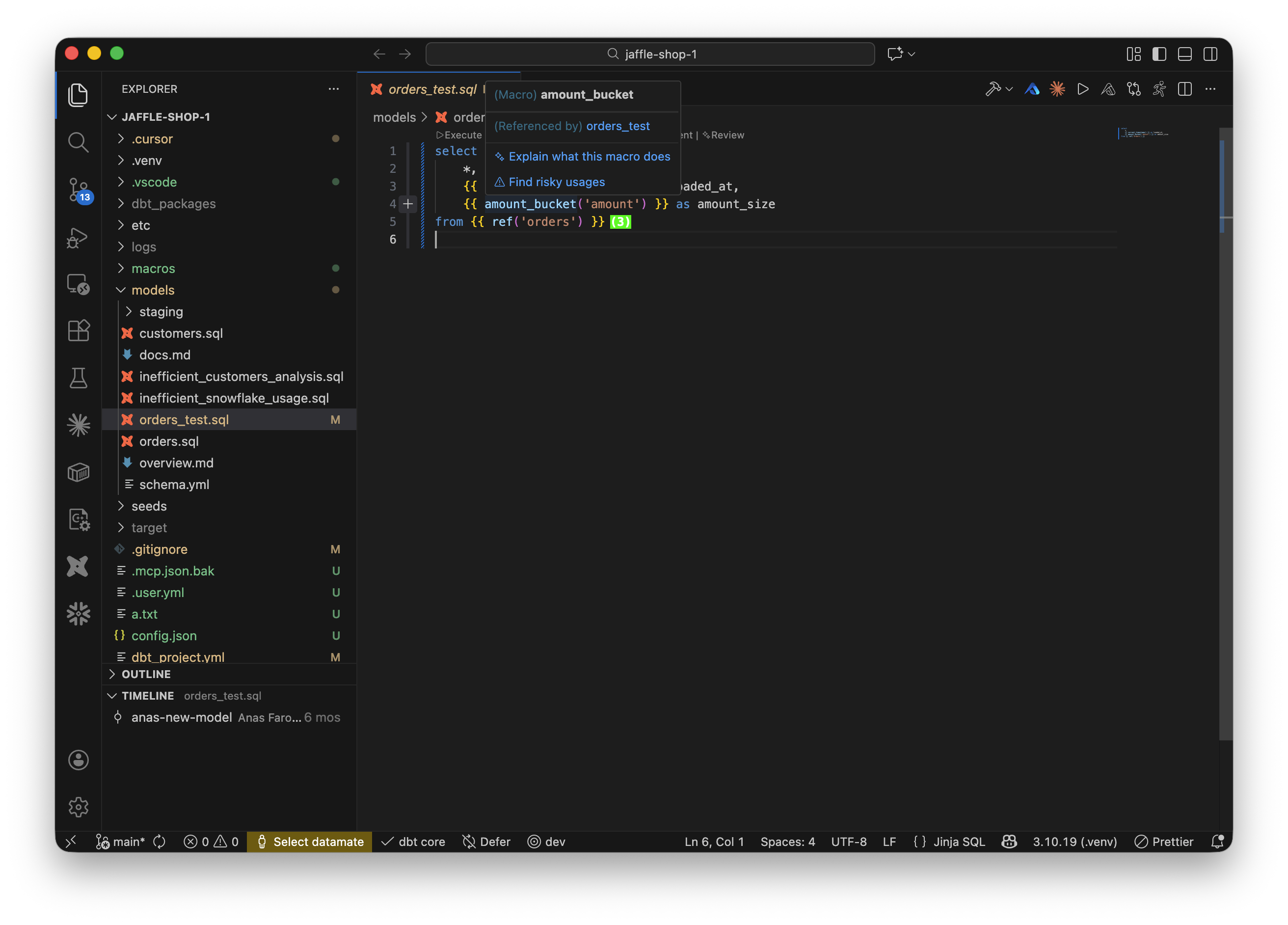
Macro hover — {{ macro_name(...) }}
- ✨ Explain what this macro does — explains purpose, parameters, and usage.
- ⚠️ Find risky usages — analyzes missing args, wrong types, edge cases, and anti-patterns.
Looking for column-level hover actions?
When you hover a column's name: value in schema.yml, two more Altimate Code actions appear — ✏️ Suggest description and 🧪 Suggest tests. Those live with the doc-generation flow on the Generate documentation page.
Hover actions delegate to the Datamates extension
Like all Altimate Code surfaces, hover actions open the chat panel provided by the Datamates extension (altimateai.vscode-altimate-mcp-server), which is installed as a dependency of Power User for dbt. The bundled chat handles BYOK or Altimate LLM Gateway routing.