Memory Hub
Memory lets the agent keep what it learns across sessions, such as decisions, conventions and details about your project, and use it later without you repeating yourself. Memory belongs to a workspace, so everyone who uses the workspace, in any tool, draws on the same memory.
Turn memory on or off
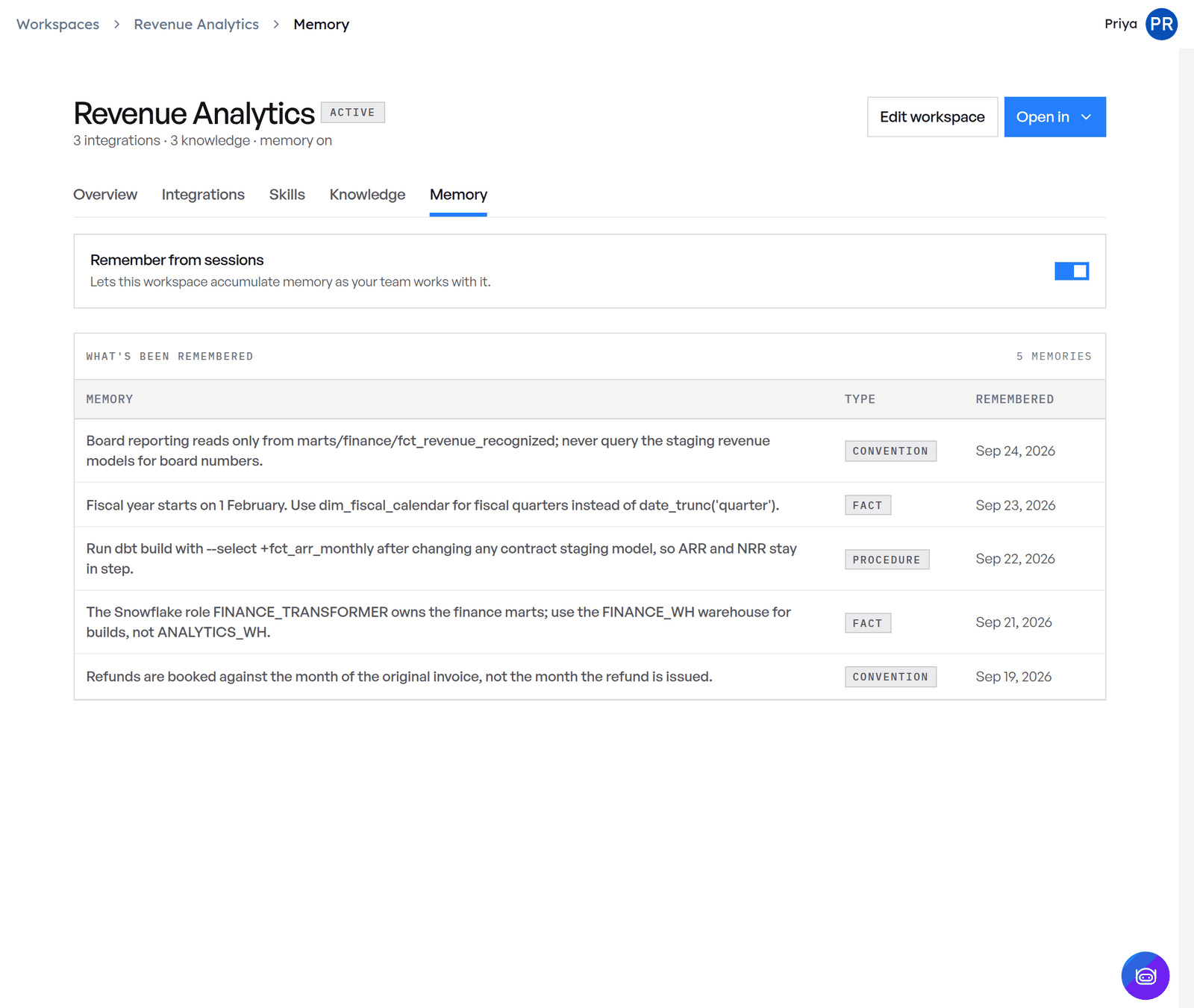
Open the workspace and go to its Memory tab. Remember from sessions lets the workspace build up memory as your team works with it. Turn it off to stop saving new memories.
Every new workspace starts with memory on. Workspaces created earlier keep the setting they had.
See what's been remembered
The Memory tab also lists What's been remembered: each memory, its type, and when it was saved.
How the agent uses memory
With memory on, the agent gets three tools:
| Tool | What it does | Parameters |
|---|---|---|
add_memories |
Saves new memories. The agent calls it when you tell it something worth keeping about the project or your preferences, or ask it to remember something. | messages: a list of messages, each with content (the text of the memory) and an optional role |
search_memory |
Finds memories relevant to a question. The agent calls it before answering. | query: what to search for |
list_memories |
Lists all memories. | None |
To add a memory yourself, tell the agent, for example "remember we use snake_case for SQL tables". To use one, ask about a past decision.
Memory in Altimate Code
A project linked to a workspace keeps its memory in step with the workspace. In the TUI, /workspace → Refresh pulls the workspace's memory into the project, and Sync re-sends local memory the workspace hasn't received. See Use a workspace in Altimate Code.
Memory in shared workspaces
People you share a workspace with get its memories too. This needs the datamate MCP server (@altimateai/datamate) 0.7.2 or later, which the Altimate Workspaces extension includes from 0.10.0.